Open Source · Local-first · MIT License
AI Video Intelligence OS
Turn any video into structured insight
VideoMind AI is an open-source (MIT License), local-first desktop app that runs the whole pipeline in one place: collect from YouTube / Bilibili / Douyin and more, transcribe offline, analyze with the AI models of your choice, and export structured reports. Your AI video researcher.
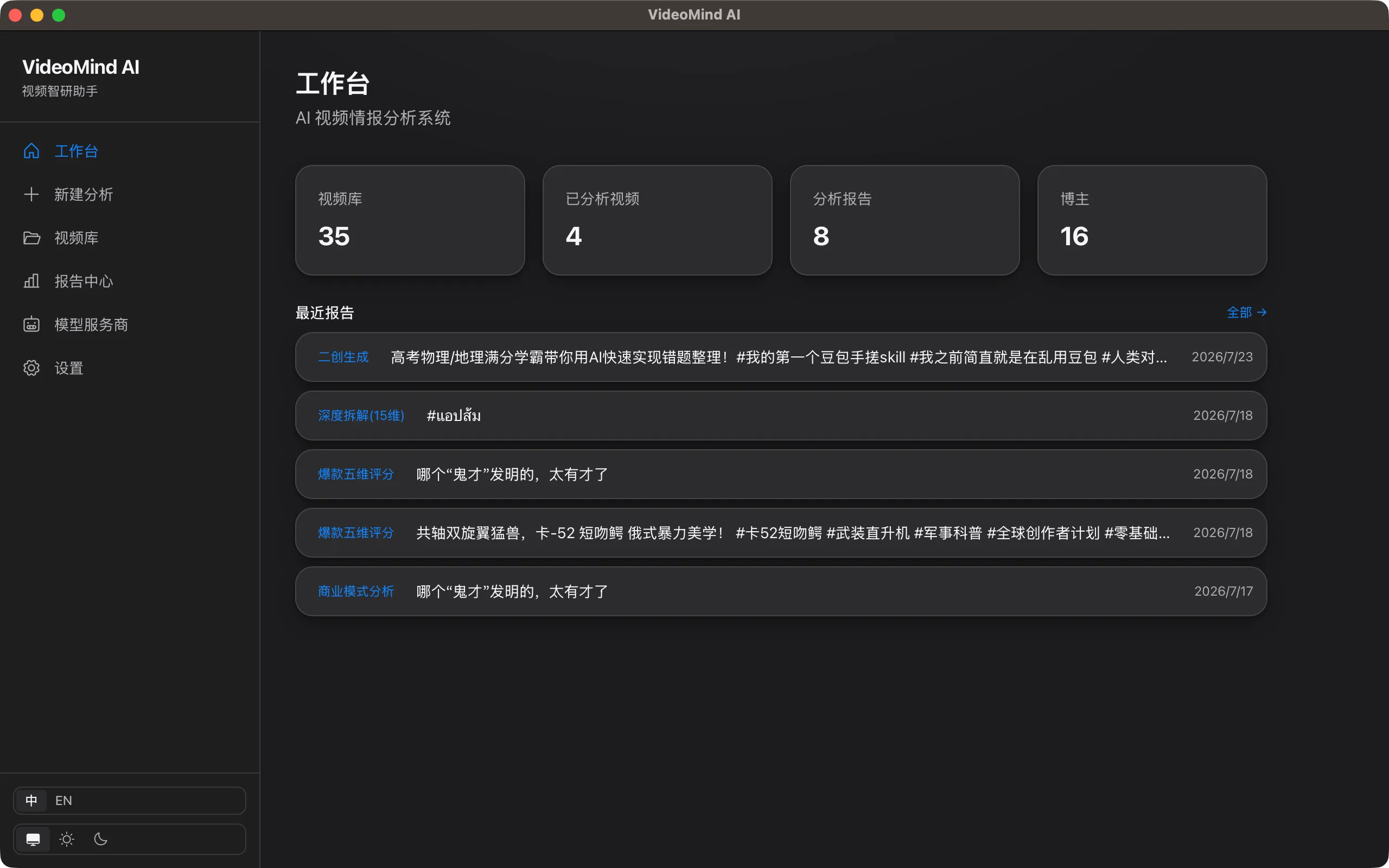
From link to report in four steps
The whole pipeline runs inside one desktop app — no cloud services required
- STEP 01
Collect
yt-dlp fetches videos and metadata, with batch mode and cookie import
- STEP 02
Transcribe locally
faster-whisper offline speech recognition, GPU-accelerated, exports SRT/VTT
- STEP 03
AI analysis
Multi-model routing + 5 analysis templates, map-reduce for long videos
- STEP 04
Structured report
Export to Markdown / PDF / HTML with structured rendering
Core Features
The complete analysis pipeline, free in the open-source edition
Multi-platform collection
YouTube · Bilibili · Douyin · Kuaishou · Xiaohongshu · TikTok — batch mode plus cookie import to keep your login session.
Local offline transcription
faster-whisper local ASR with GPU acceleration and automatic model selection. Your audio is never uploaded to any server.
Multi-model AI analysis
Plug in OpenAI / Claude / Qwen / DeepSeek / Ollama and more. Five templates: summary, key points, business model, course breakdown, viral patterns.
Structured reports
Analysis results come out as structured JSON — export to Markdown / PDF / HTML in one click.
Cross-platform desktop app
Built with Tauri 2 + React. A native experience on macOS and Windows, ready to use right after install.
Local-first
Media files, transcripts, and API keys all stay on your computer — privacy guaranteed by architecture.
Open source you can trust
MIT licensed
The core code is fully open — audits and contributions welcome.
Local-first
No videos, transcripts, or keys are uploaded — all fetching happens on your own machine.
Actively developed
Public roadmap, with Pro revenue going straight back into core development.
FAQ
›What kind of computer do I need?
macOS and Windows are supported. For local transcription we recommend 8GB+ RAM; a dedicated GPU makes transcription faster, but it runs without one. You need to install FFmpeg yourself (the download page has a one-line command).
›Who provides the API key for AI analysis?
You do. The app ships with presets for 30+ model providers (OpenAI / Claude / Qwen / DeepSeek and more, compatible with any OpenAI-style endpoint), and also supports Ollama local models at zero cost. Keys are stored only on your machine.
›Where is my data stored?
Everything stays in the local `~/.videomind` directory: videos, transcripts, analysis reports, and API keys are never uploaded to any server.
›Is VideoMind AI free?
Yes. The core features (collection / transcription / AI analysis / report export) are free forever and open-sourced under the MIT license — the code is on GitHub, free to audit and build upon.
›Which video platforms are supported?
YouTube, Bilibili, Douyin, Kuaishou, Xiaohongshu, TikTok and more, powered by yt-dlp — with batch jobs and cookie import to keep your login session.
›Can I use it fully offline?
Transcription is fully offline (faster-whisper runs locally; audio is never uploaded). The AI analysis step needs a model provider; with a local Ollama model connected, the whole pipeline works offline.
›Which languages does it support?
The app UI is available in English and Chinese; speech transcription is powered by faster-whisper and supports the many languages it covers.